Steam Gaming Mode
Familiar Steam Deck game delivery layouts optimized directly for widescreen displays.
Native Integration
AgungOS is exactly Bazzite, tailored for the next generation of gamers with a new name. Get a gorgeous, console-like gaming layout on your personal computer. Powered by high-efficiency Linux schedulers, ready-to-run drivers, and frictionless game compatibility.
We engineered the game compositor, optimized kernel frame delivery pipelines, and decoupled telemetry trackers. Your games run at absolute hardware margins with no extra configuring.
Discover our system architectureAgungOS bridges standard Linux kernel efficiencies with robust Steam configurations to get you into games within seconds.
Familiar Steam Deck game delivery layouts optimized directly for widescreen displays.
Deep visual composition system supporting high dynamic range mapping on compatible monitors.
Built-in configuration steps run standard Windows gaming binaries flawlessly on Linux.
Protected system partitions ensure virus-free stability. Simply reboot to rollback modifications.
Background applications are disabled by design. Every watt of memory supports your gaming frames.
Switch between Steam Deck Gaming Mode and KDE Plasma Desktop Mode instantly. Run gaming clients, map console gamepads, or execute work commands in the development terminal.
Requirements and storage guidelines for a seamless experience on AgungOS.
Architecture: x86_64
Firmware: UEFI (CSM/Legacy boot UNSUPPORTED)
Processor: 2GHz quad-core processor or better
Memory (RAM): 8GB minimum
Storage: 50GB minimum on SSD (120GB recommended)
Graphics: GPU with Vulkan 1.3+ support (AMD RX 4xx+ highly recommended).
NTFS and exFAT/FAT32 ARE NOT SUPPORTED.
Both filesystems can and will lead to data corruption under Linux. Do not use them for your secondary game
drives! All drives must be formatted as BTRFS (default/recommended) or Ext4.
Play your entire library across multiple storefronts.
Steam is the recommended way to play PC games. It ships with Proton, allowing most Windows games to run smoothly out of the box.
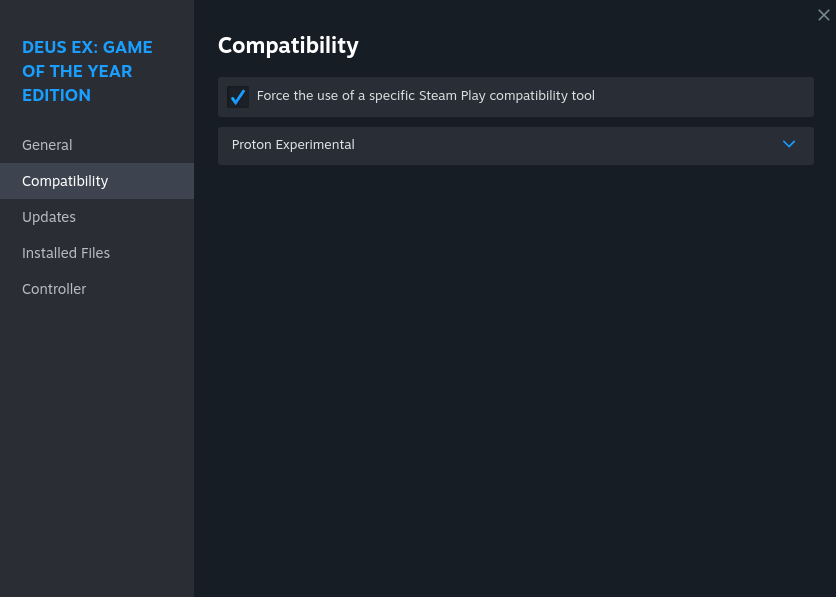
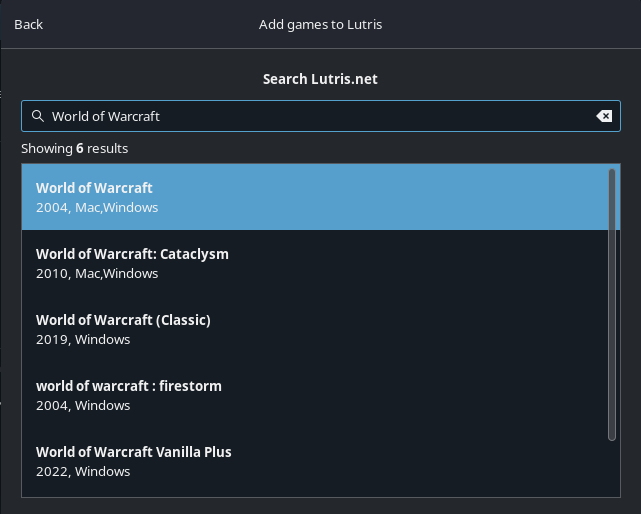
Recommended for most non-Steam games. Manage your standalone Windows games easily with community installers.
Use Heroic Games Launcher for Epic Games, GOG, and Amazon Games. Or try Faugus for a simpler alternative frontend.
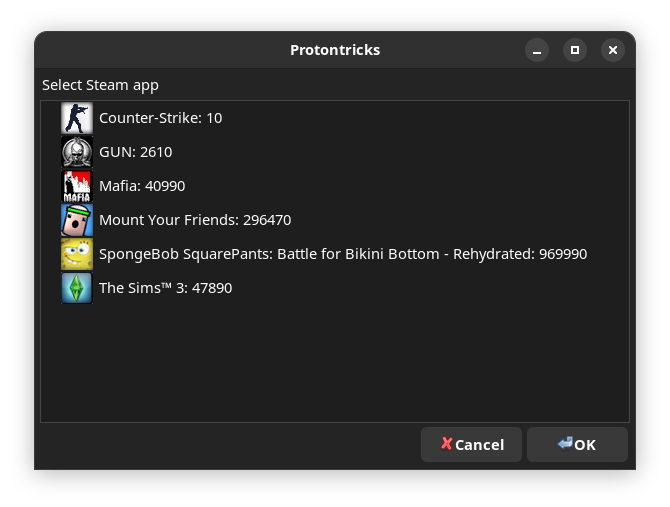
Dive into Proton Prefixes to manage Windows DLLs, config files, and mods. Use Protontricks or Winetricks to install essential dependencies for your games. Steam Workshop works natively, while tools like r2modman are available for advanced modding.

Bazzite includes several shortcuts and UX improvements to make common launch options easier to use.
sd0 %command% - Disables Steam Deck specific features that
may conflict with your setup.dlss-swapper %command% - Enables latest DLSS presets with
NGX updater for NVIDIA users.MANGOHUD=1 %command% - Enable external MangoHUD.
AgungOS is fully open-source and free to install. Choose the image file configured for your graphics adapter.
Optimized for AMD and Intel processors. Dual interface system: switch instantly between Steam Gaming Mode and GNOME Desktop layouts.
Packed with NVIDIA proprietary drivers. Dual interface system: switch instantly between Steam Gaming Mode and GNOME Desktop layouts.
Find configuration answers regarding partition managers, performance optimization, and updates.
Your download request is initialized. Program the image to a flash drive using Etcher or Ventoy.